Why I Simplified My UI Instead of Adding More Features
RECOMENDED
DESIGN THINKING
3 min reading

Clarity Over Complexity
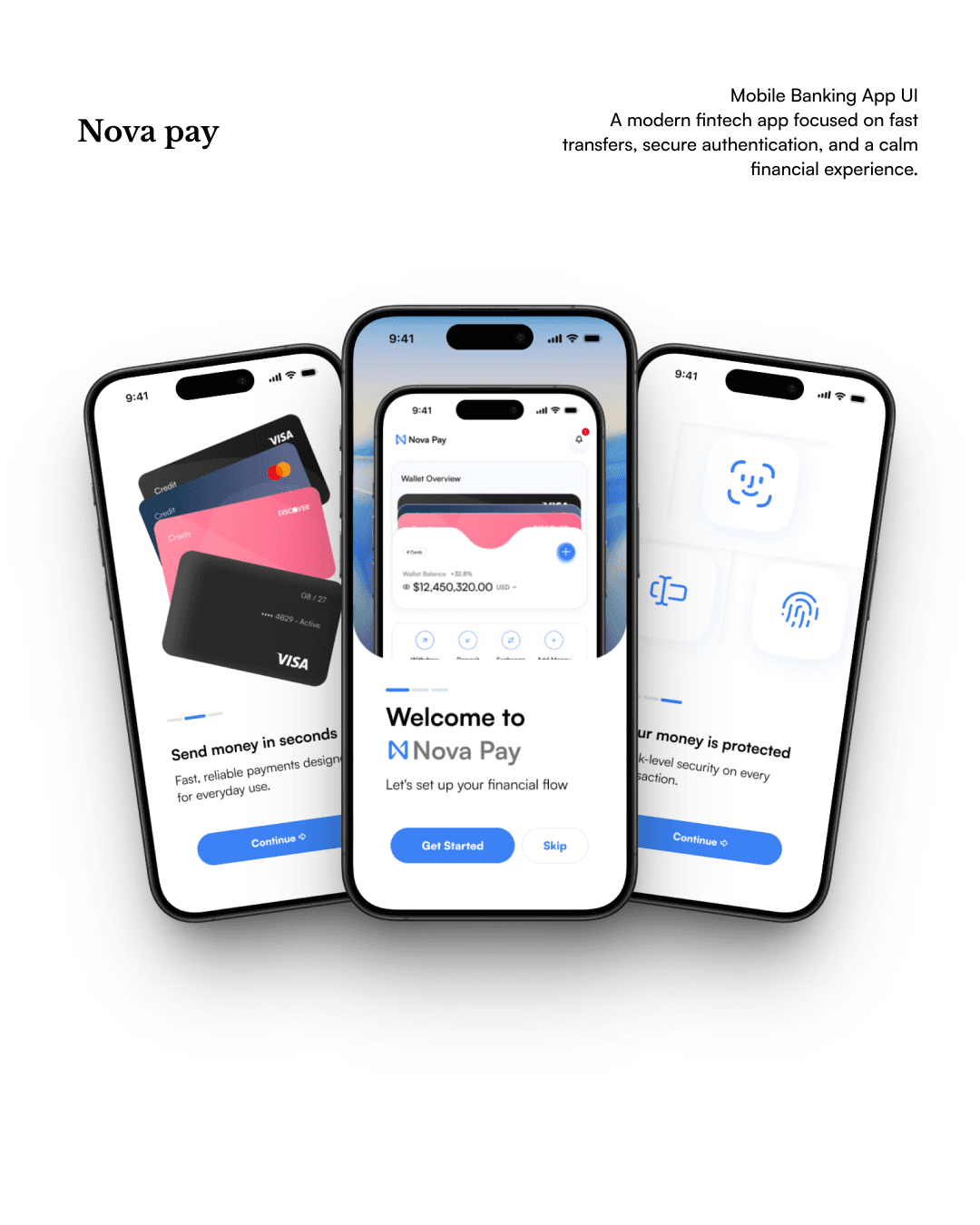
As I iterated through the last round of updates for my app, I realized that the interface had started to accumulate small features and visual flourishes that, when taken together, felt overwhelming. Shadows, gradients, and bright accent colors competed for attention. Users weren’t getting stuck because features were missing—they were getting lost in a maze of visual distractions. So I chose subtraction. By removing gradients and keeping only the essential elements, I found the product’s core purpose finally stood out.
Reducing Visual Noise
One of the more surprising outcomes of simplifying the interface was not just how much easier it became to navigate, but how much calmer it felt. Icons were de-emphasized, labels grew more direct, and the background became a gentle off-white instead of a variable palette. The decision wasn’t about minimalism for aesthetic’s sake, but rather about supporting the mental model users naturally constructed as they navigated the app. The best features, it turns out, emerge once everything unnecessary gets out of their way.
Prioritizing Accessibility and Focus
By streamlining visual design and letting go of some advanced controls, I made the UI more accessible too. Clearer contrasts, larger tap targets, and the removal of confusing toggles made interactions feel deliberate. Users now commented on how much faster they could accomplish tasks. This experience reinforced the lesson that a designer’s real job is editing—shaping the environment so what matters most stays in focus.